🚀 Introduction
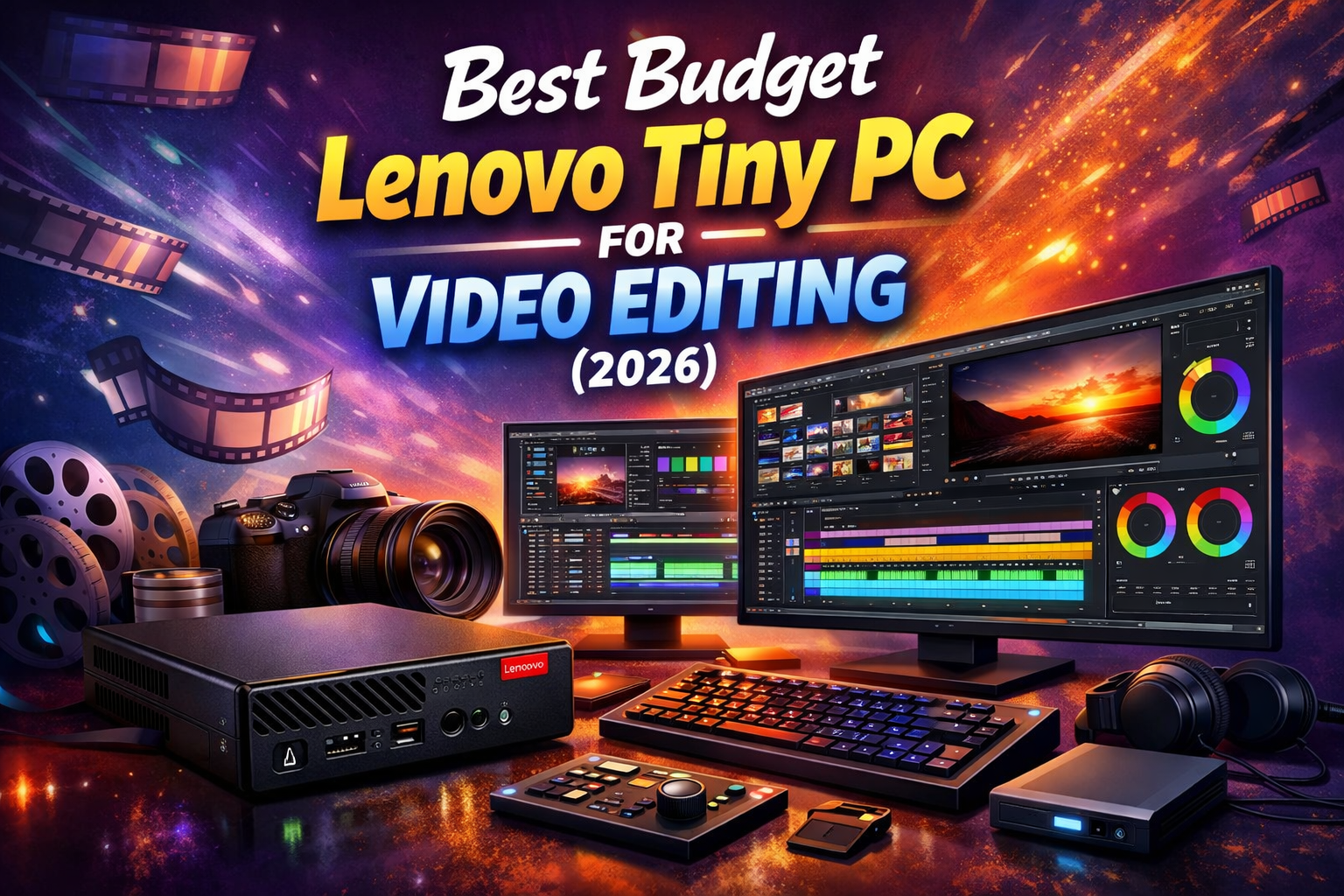
Video editing is no longer just for professionals—students today are actively creating content for YouTube, social media, and academic projects. However, building a powerful editing setup on a budget can be challenging. The Lenovo ThinkCentre Tiny Mini PC offers a smart, affordable solution for students who need performance without spending too much.
💻 Why Lenovo ThinkCentre Tiny is a Smart Choice
The ThinkCentre Tiny series is known for its compact size and reliable performance. Even though it’s designed for office use, it performs surprisingly well for beginner and intermediate video editing tasks.
Key Benefits:
- Ultra-small design (perfect for small desks or hostels)
- Affordable price compared to full desktops
- Strong processor performance
- Upgradeable RAM and storage
- Energy-efficient and durable
⚙️ Recommended Specs for Students
To get smooth video editing performance, choose this configuration:
- Processor: Intel Core i5 (10th Gen or newer)
- RAM: 16GB (minimum 8GB if upgrading later)
- Storage: 512GB SSD
- Graphics: Intel UHD / Iris Xe
💡 Tip: Adding an SSD upgrade can significantly improve editing speed and responsiveness.
🎬 Editing Performance Overview
✅ What It Handles Well:
- 1080p video editing
- YouTube and short-form content
- Basic color correction
- Light transitions and effects
⚠️ Limitations:
- Not ideal for heavy 4K editing
- Struggles with high-end VFX
- No dedicated GPU
👉 Best suited for beginners and students learning editing.
🧠 Best Editing Software Options
You can use these tools smoothly on a Lenovo Tiny PC:
- Adobe Premiere Pro (basic editing)
- Filmora (recommended for beginners)
- CapCut Desktop
- DaVinci Resolve (light projects)
🆚 Mini PC vs Laptop (Quick Comparison)
- Better Cooling: Mini PC ✅
- Upgradability: Mini PC ✅
- Portability: Laptop ✅
- Performance Stability: Mini PC ✅
👉 For long editing sessions, the ThinkCentre Tiny gives better performance consistency.
💸 Price Range in India (2026)
- Refurbished: ₹15,000 – ₹30,000
- New: ₹35,000 – ₹60,000
👉 A refurbished unit is a great option for students on a tight budget.
🎯 Pros & Cons
✅ Pros
- Affordable and space-saving
- Easy to upgrade
- Reliable performance
- Low power usage
❌ Cons
- No dedicated GPU
- Limited for heavy editing
- Average 4K performance
🎓 Final Verdict
The Lenovo ThinkCentre Tiny Mini PC is a smart and budget-friendly option for students starting video editing in 2026. It delivers a solid mix of performance, compact design, and affordability—perfect for learning and everyday content creation.
While it’s not meant for heavy professional editing, it easily handles basic to intermediate projects, making it a great starting point.
👉 What are you waiting for? Upgrade your editing setup today 👉 www.tecqnio.com www.tecqnio.shop
🚀 Upgrade the Smart Way with Tecqnio
Looking for a Lenovo ThinkCentre Tiny Mini PC for video editing, office, or student use? Get high‑performance systems at the best price—whether for personal needs or bulk corporate requirements.
👉 Contact Tecqnio Global Systems Pvt. Ltd. today
📞 Call us | 📩 Get a Quote | 💬 WhatsApp Us